By Henning Volkmer on June 8, 2026
TL;DR
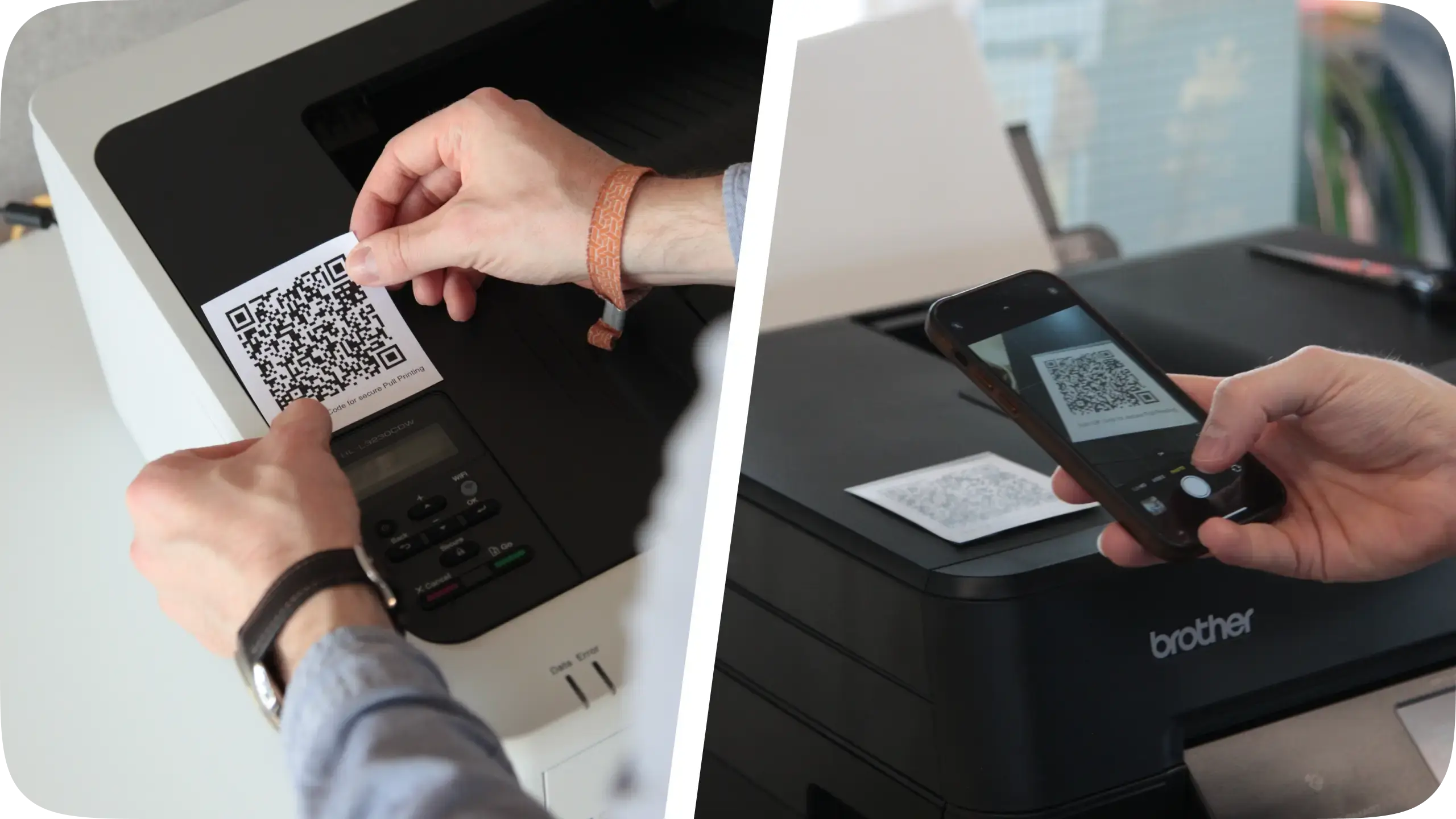
Secure pull printing (Follow-Me printing) works with ezeep when Windows Protected Print Mode (WPP) is active on the client. This is not a solved problem industry-wide. IPP and WPP do not natively include Follow-Me functionality, and most WPP-compatible print solutions today don't deliver it either. ezeep captures jobs at the client without third-party drivers, holds them in a cloud queue, and releases them at the target printer through badge, PIN, or mobile app. If you're evaluating WPP-compatible print vendors, secure pull printing readiness is the question to ask every vendor on your shortlist.
Does WPP include Follow-Me printing natively?
No. Windows Protected Print Mode is a security model. It eliminates the third-party driver attack surface and routes Windows printing through Microsoft's IPP class driver. It does not include workflow features beyond the basic print path. Hold-and-release queues, authentication at the device, and badge release are not part of WPP.
The IPP class driver doesn't cover it either. IPP is a transport and feature negotiation protocol, and it carries print jobs and exposes device capabilities. The standard does not define a hold-until-release workflow.
Print Support Apps (PSAs) extend IPP printing with manufacturer-specific features, but the PSA model is per-device and per-vendor. A PSA can expose a manufacturer's hold-and-release capability at the device level if that manufacturer ships it. PSAs do not provide cross-fleet, cross-vendor Follow-Me workflows.
The practical result: a customer enabling WPP fleet-wide loses Follow-Me printing unless their vendor has built it on top of WPP. Most haven't.
What does Pull Printing with WPP enabled actually require?
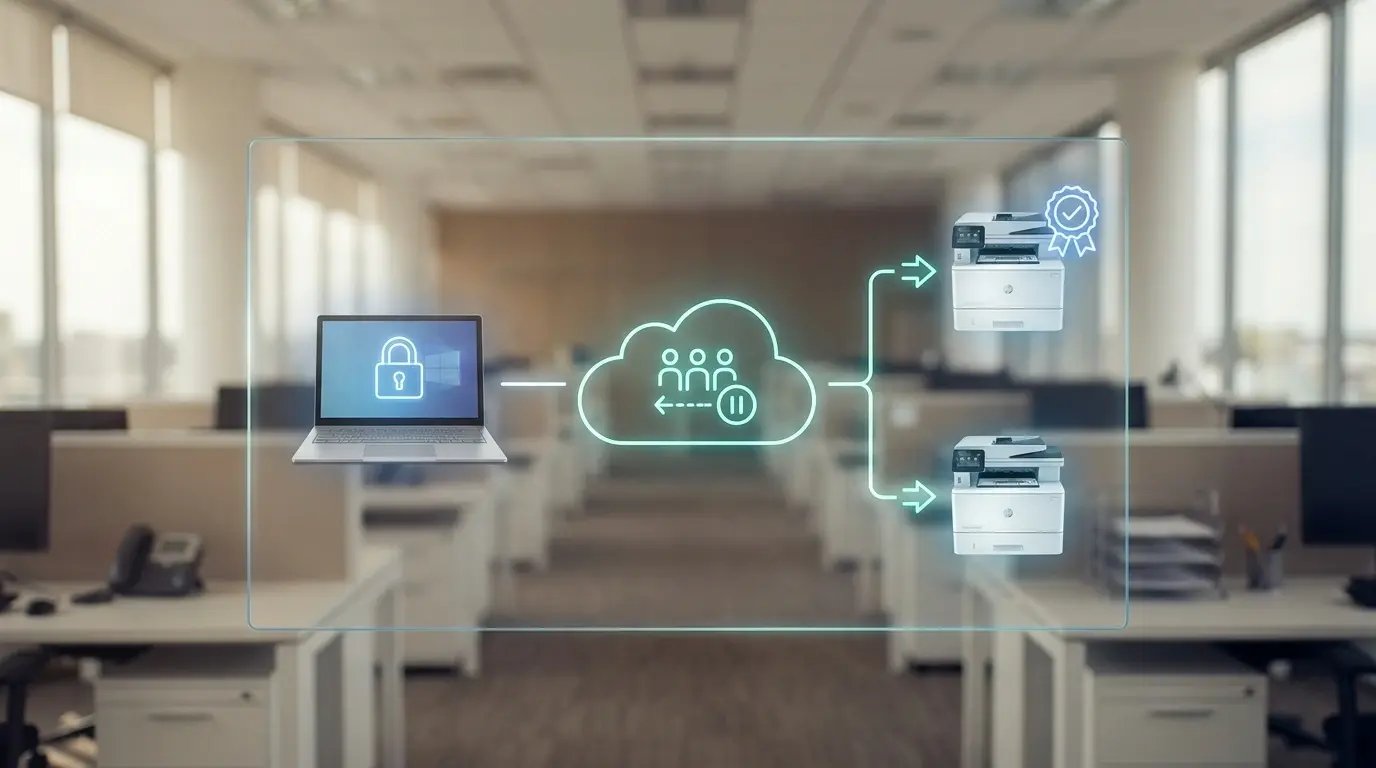
For a hold-and-release workflow to function with WPP active on the client, four things have to be true simultaneously. The print job must be captured at the client without relying on a third-party Windows driver. It must be held in a queue that survives the user logging out or switching workstations. The user must be able to authenticate at the target printer. And the release path must forward print-ready data to the printer regardless of Mopria certification status.
The first and last requirements are where most WPP-compatible solutions struggle. Without a capture-and-release path that doesn't depend on third-party drivers, secure pull printing either relies on legacy infrastructure WPP is removing, or it stops working when WPP turns on.
ezeep's secure pull printing works with WPP active on the client. That is a position most WPP-compatible solutions can't claim today.
What should you ask WPP-compatible vendors about Pull Printing?
Hold-and-release capability is the question that separates basic WPP compatibility from feature-complete WPP compatibility. Vendors typically claim WPP support based on the print path working under WPP, a PSA being shipped or planned, or the management interface continuing to work in a WPP-enabled environment. None of those claims address whether Follow-Me printing is part of the WPP-compatible feature set.
Ask every WPP-ready vendor on your shortlist these questions explicitly:
- Does your pull printing solution work with WPP enabled on the client today? Watch for hedging. "Will work," "on the roadmap," and "in development" are not yes. Specifically: does the capture-at-client path depend on a third-party Windows driver?
- Is badge release (or other authentication-at-device) supported under WPP, and through what mechanism?
- Does the hold-and-release workflow work across mixed-vendor printer fleets, or is it scoped to specific manufacturer integrations?
These questions surface real gaps in the current WPP-ready vendor landscape.
How ezeep delivers secure print release with WPP active
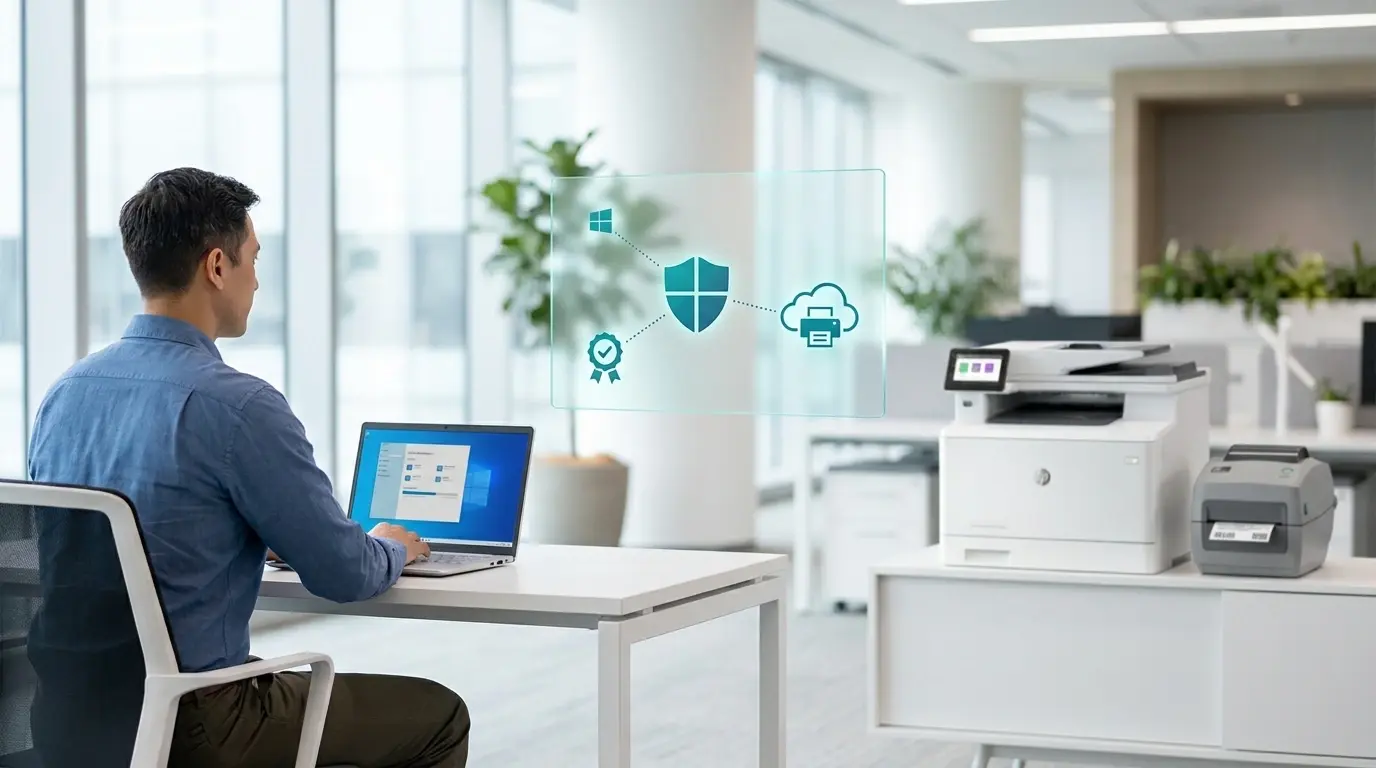
ezeep's pull printing runs through a cloud-rendered print path. When a user prints, the job is captured at the client, sent to ezeep's cloud, rendered, and held in a queue tied to the user's identity, not a specific printer. The user then authenticates at any release-enabled printer in their environment and the held job releases to that device.
On Windows, the ezeep Print App for Windows handles the capture step. It is built for the driverless print model WPP enables, so the capture-at-client step works on WPP-enabled Windows machines today. The held queue lives in the cloud, separate from the Windows endpoint. The release path forwards print-ready data to the target printer regardless of Mopria certification status.
ezeep does not require Mopria certification at the printer level. For mixed environments where some printers are Mopria-certified and others are not, the release workflow is the same on both. This is a meaningful difference from WPP-compatible solutions that require all participating printers to be Mopria-certified, a constraint that excludes older MFPs, label printers, and other devices that need to participate in a hold-and-release workflow.
Does ezeep's Pull Printing work across multiple locations?
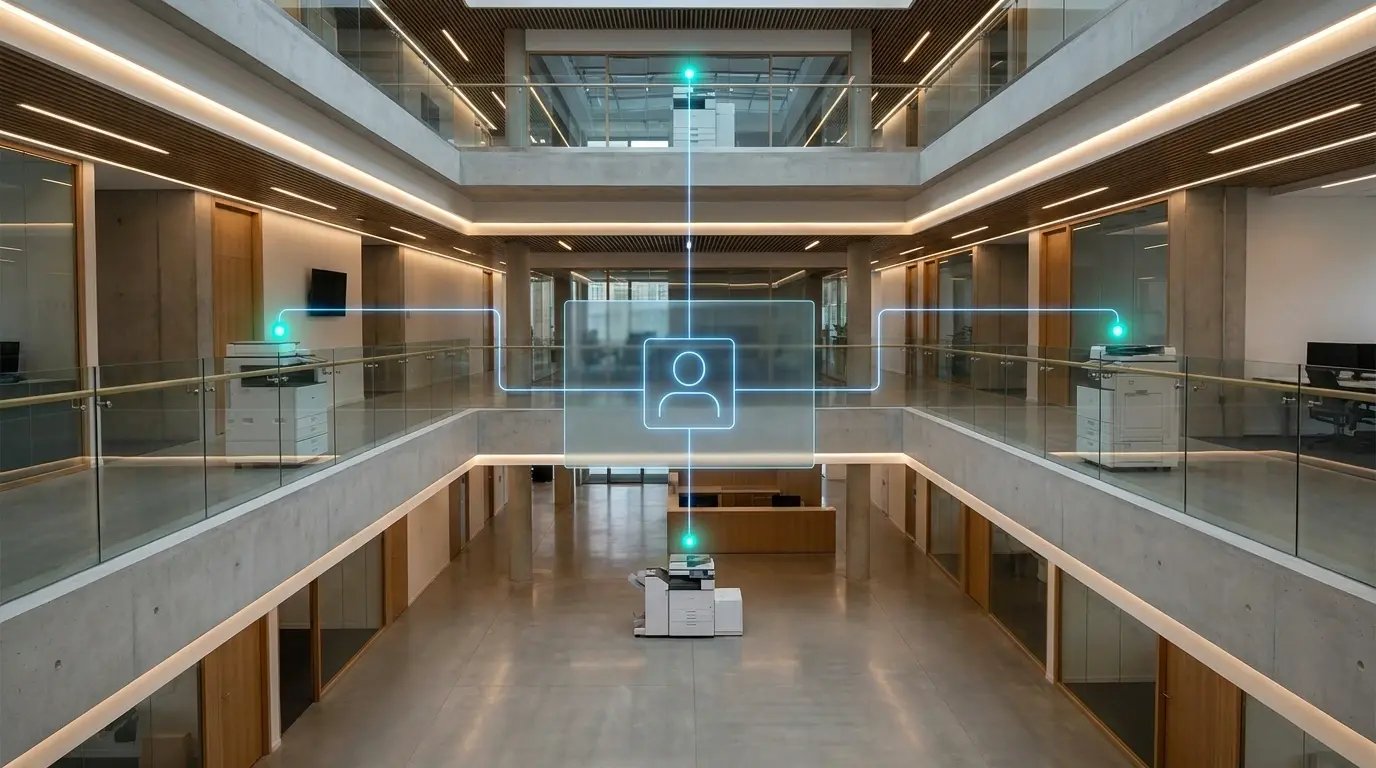
Yes. ezeep includes per-user job retention, configurable retention timeouts, release on any compatible printer within the user's access group, and audit logging of release events. Multi-location follow-the-user works across sites the user has access to, with the same identity and the same held queue.
For environments running pull printing through legacy on-premises systems, the migration path is the same parallel-run approach as the rest of an ezeep deployment. The existing solution and ezeep run side by side. The fleet moves over by location or department. The legacy solution decommissions when the last queue migrates.
How should IT teams evaluate Pull Printing readiness before enabling WPP?
Start by asking every WPP-ready vendor on your shortlist whether secure pull printing works with WPP enabled today, not on a roadmap. Then run a proof of concept that includes an actual badge-release workflow on a mixed-vendor printer fleet, not just a basic print test. If your environment includes Mac, ChromeOS, or mobile users who need pull printing access, validate those in the proof of concept as well.
Will Printers That Aren't Mopria-Certified Stop Working Under WPP?
Secure Pull Printing for Your Environment