By Franck Raison on September 30, 2026
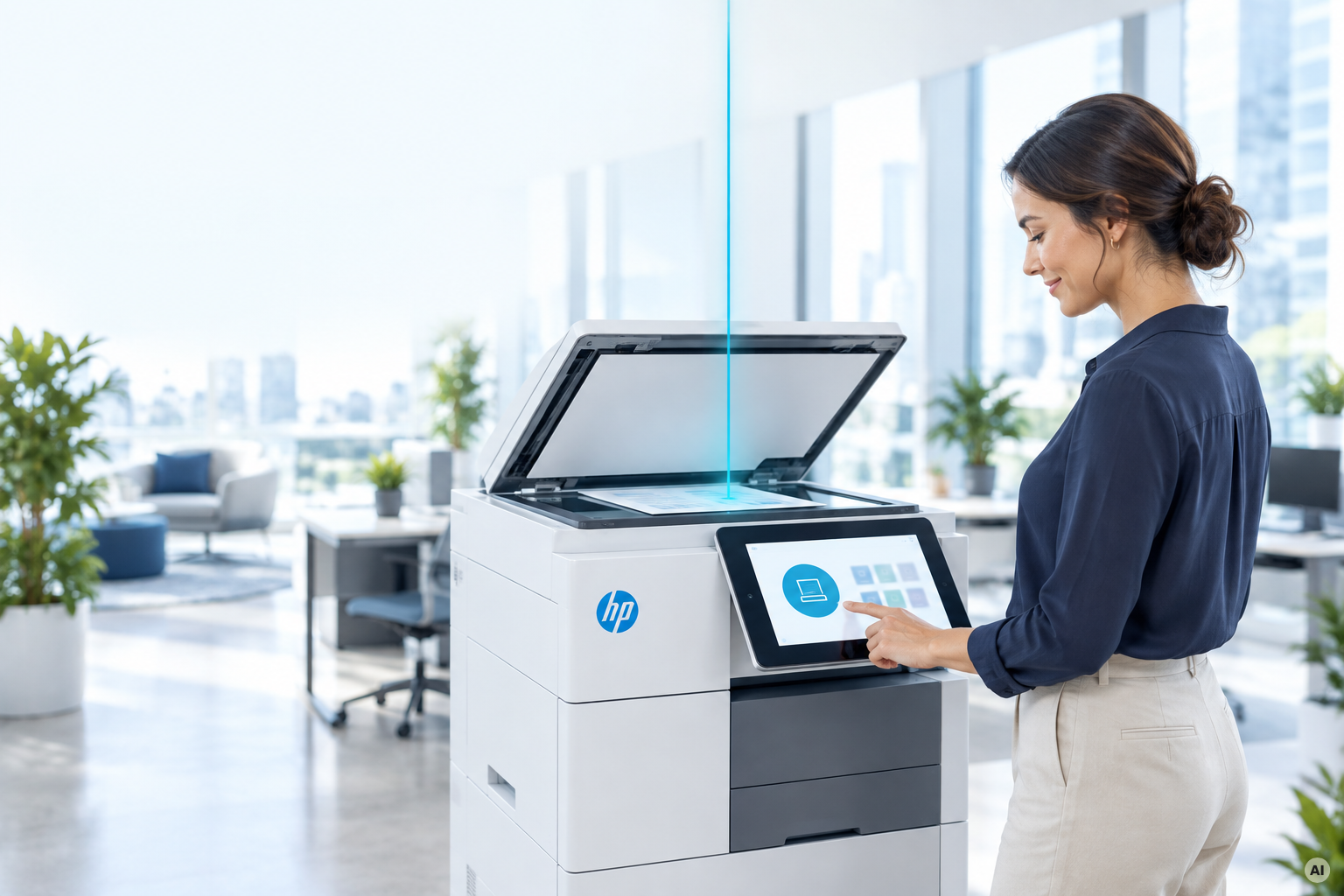
IT no longer plans around a single building. Employees work from home, across hybrid offices and shared campuses, and infrastructure is expected to work the same way wherever someone happens to be sitting.
Printing has been moving in that direction for years. Scanning often hasn't.
In many HP environments, scanning still depends on something sitting somewhere else: a scan server, a shared PC, a locally installed client, or a workflow that was configured years ago and quietly became part of the infrastructure. None of that may have been planned as a system, but the moment it needs patching, troubleshooting, monitoring, or explaining during an audit, that's exactly what it has become.
The ezeep App for HP Workpath brings scanning into the same cloud-managed model as printing. Users can scan directly from supported HP printers without a separate scan server or scan client.
The scanning capability lives where the scanning actually happens: on the printer.
When a Simple Scan Becomes Infrastructure
Scanning infrastructure rarely starts with a big architectural decision.
A server begins handling routing. A shared PC becomes the scan station everyone knows about. A client gets installed and keeps running for years because nobody has a reason to touch it. Until they do.
The server reaches end of life. An update breaks the client. A security review asks where scanned documents are being stored. Or the person who understood how everything worked has moved on. That's how an ordinary workflow turns into another dependency IT has to carry forward.
Modern workplace infrastructure is increasingly designed to avoid exactly that kind of dependency. Access follows the user, while identities, permissions, and policies determine what people can do regardless of where they are working. Scanning should work the same way.
How Serverless Scanning with ezeep and HP Workpath Works
HP Workpath is HP's platform for running applications directly on supported HP printers. The ezeep App uses that platform to bring scanning onto the device itself rather than relying on separate software running somewhere else on the network.
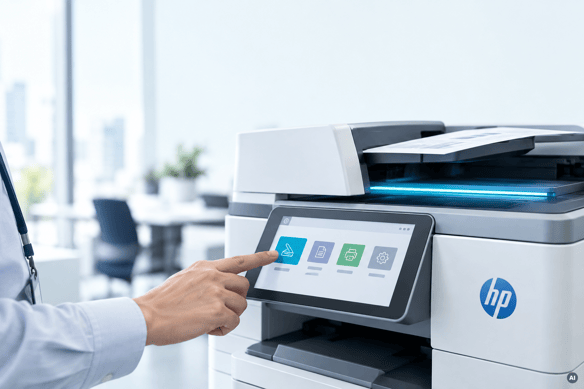
The user walks up to the printer, authenticates with their existing ezeep account, selects the scan function, and scans the document. The resulting file is saved to the user's ezeep Documents area and can be accessed through a browser.
Scans can be saved as PDF, JPEG, TIFF, or XPS.
For IT, the important part is what isn't required around that workflow:
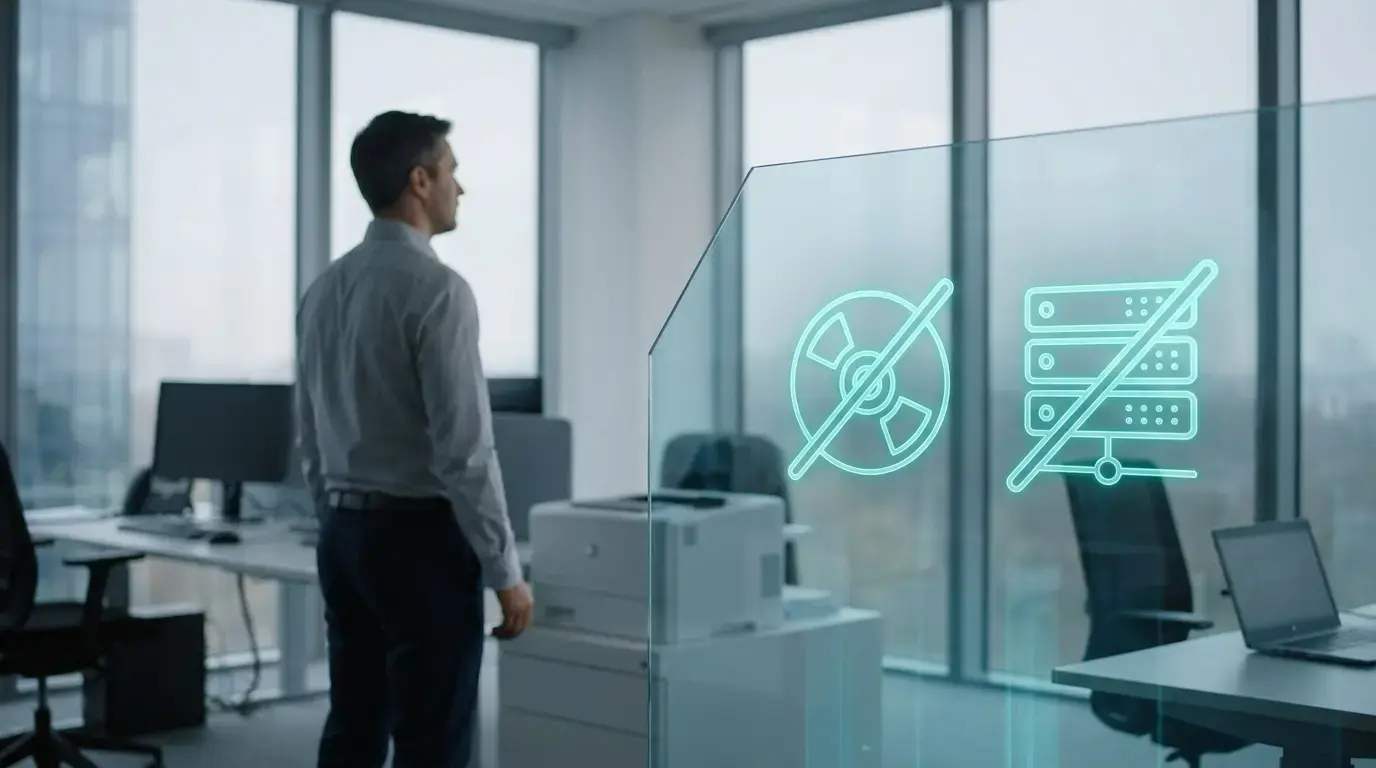
- no separate scan server to maintain
- no scan client to deploy to another machine
- no additional scanning credentials to manage
- no shared scan folder needed as an intermediary destination
Removing those pieces doesn't just change how scanning works. It removes infrastructure that would otherwise need to be patched, secured, monitored, and eventually replaced.
HP Printers Become Part of the Existing ezeep Environment
The goal isn't to build a new system specifically for HP. It's to avoid needing one.
Supported HP printers simply become another device class within the ezeep environment IT already operates. That's important because real-world printer fleets rarely stay perfectly uniform. Companies open locations, merge with other businesses, change hardware suppliers, or keep perfectly good devices long after a standard changes.
And adding another printer manufacturer shouldn't mean adding another management architecture. With ezeep and HP Workpath, HP devices fit into the same broader approach to modern print infrastructure: centrally managed, cloud-based, and designed around users rather than individual locations.
Scanning isn't the only activity that becomes part of that picture. The ezeep App for HP Workpath can also track copy activity at the device alongside print activity already recorded in ezeep.
For organizations trying to understand how their fleet is being used, that means more of the activity can be viewed in one place rather than pieced together from separate systems.
Fewer Places for Documents to Get Left Behind
Traditional scan workflows often introduce another dependency that's easy to overlook: the shared scan folder.
Someone scans a document, retrieves it, and moves on. The original may remain on the network long after anybody needs it. Over time, those folders can fill up with documents whose owners, purpose, and access requirements are no longer clear.
With the ezeep App for HP Workpath, the document is associated with the authenticated user's ezeep account instead of depending on a shared folder as the intermediary destination.
Document handling through the app is designed to align with GDPR requirements and with the same broader principle behind the architecture itself: if a document doesn't need to pass through an additional server, client, or shared folder, don't put one in the path.
Serverless Scanning Fits the Way IT Is Already Changing
The interesting thing about removing a scan server isn't really the server.
It's the opportunity to stop treating scanning as its own little infrastructure project.
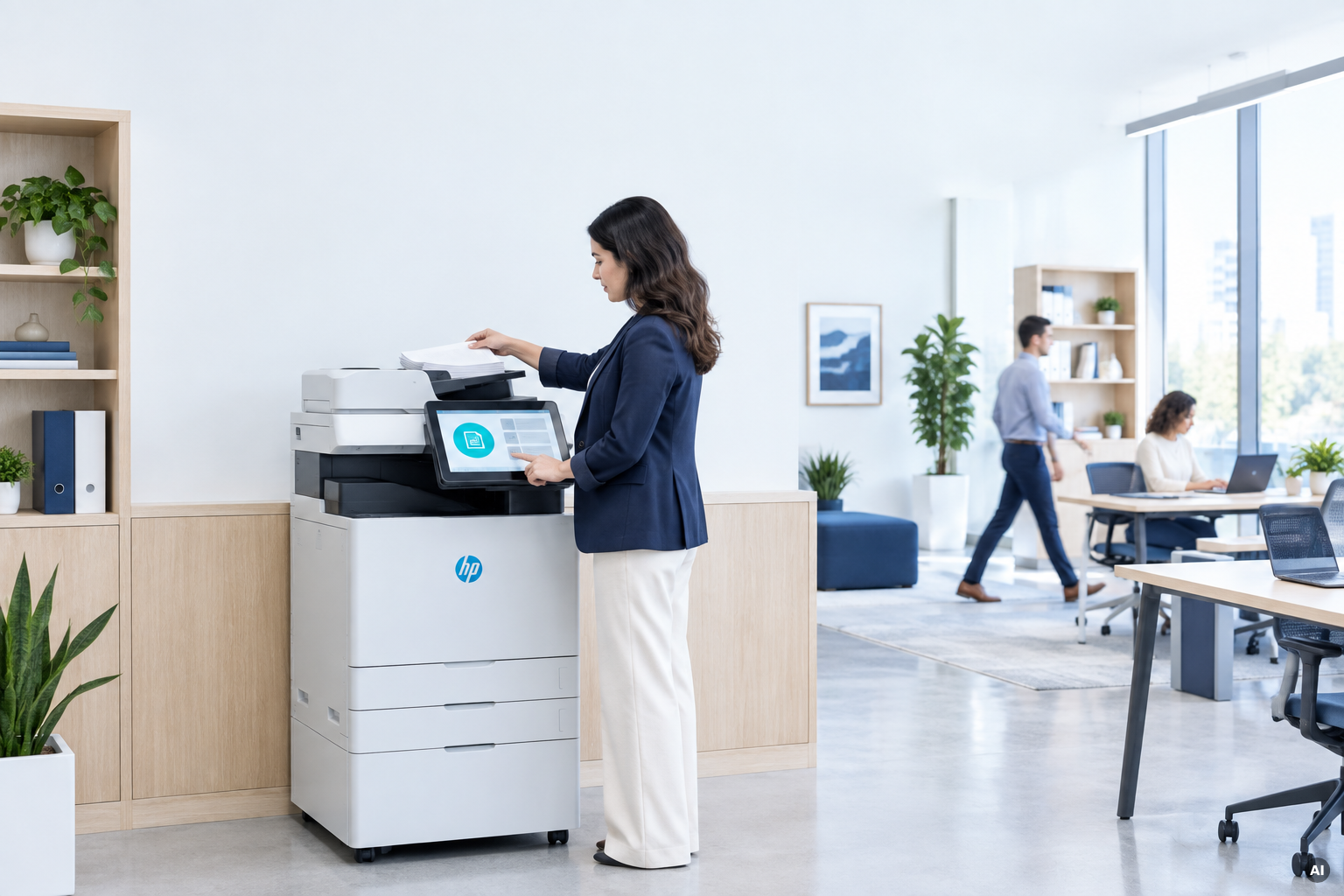
A user authenticates with an identity IT already manages. The scanning functionality runs directly on the printer. The document moves into the user's ezeep environment. And HP devices become part of the same centrally managed print and scan infrastructure rather than creating another system beside it.
That's the same direction the rest of workplace IT has already been moving: identity instead of location, cloud management instead of local dependencies, and fewer systems that exist simply because they've always been there. Scanning is finally catching up.
Bring Scanning Into the Modern Workplace
A scan server or shared PC may still get the job done. But each one is another dependency that has to survive the next security review, hardware refresh, office move, or infrastructure change.
The ezeep App for HP Workpath takes a different approach: scanning runs on the printer, users authenticate with an identity they already have, and the workflow becomes part of an ezeep environment IT already manages.
No separate scan server. No additional scan client. No new infrastructure island.
Evaluate the ezeep App for HP Workpath in your own environment today.

ezeep App for HP Workpath: Print, Scan, and Release at the Printer
Why Teams Choose ezeep: Driverless and Serverless Explained