By Henning Volkmer on October 26, 2026

Microsoft has confirmed a Windows 11 regression affecting certain Universal Print printers originally installed on Windows 10. Following update KB5083769 or later, printing can fail with error 0x80004005 or 0x000003e3.
What's causing the Windows 11 Universal Print problems?
The problem involves older system-wide printer installations. Microsoft's recommended workaround is to replace them with per-user installations.
Separately, some Konica Minolta Universal Print Ready printers intermittently stop communicating with Microsoft's cloud service. Print jobs remain stuck in the Pending state before eventually being aborted. The root cause is still under investigation.
Both issues highlight the importance of reliable printer configuration and connectivity in cloud printing environments.
A more resilient approach to cloud printing with ezeep
For organizations looking to replace legacy print infrastructure or considering an alternative to Microsoft Universal Print, ezeep offers a flexible cloud printing solution designed to simplify management, support existing hardware, and reduce IT maintenance.
Less infrastructure, simpler management
ezeep moves print processing to the cloud, eliminating the need for traditional print servers and printer-specific drivers on users' devices. IT administrators can centrally manage printers, users, and permissions across multiple locations. Integration with Microsoft 365 and Entra ID makes it easy to fit into existing environments.
Reliable printing from computers to printers
ezeep automatically recreates users' assigned Windows printers after every restart, including following Windows updates. Fresh printer installations help prevent configuration problems from persisting without requiring manual intervention.
The ezeep Hub provides a reliable bridge between the cloud and physical printers, regardless of their cloud capabilities. It connects to printers locally, reducing reliance on printer-specific cloud firmware while allowing devices to remain isolated from the internet and corporate networks.
More flexibility for users and IT
ezeep supports Windows, macOS, ChromeOS, iOS, and Android, including mixed fleets of existing printers. Users can print from familiar applications or directly through a browser with Print Now. Secure Pull Printing adds control over when and where sensitive documents are released.
Together, these capabilities make printing easier to deploy, manage, and maintain across an organization.
How to fix Microsoft Universal Print on Windows 11
Microsoft provides two workarounds for the Windows 11 regression:
- Individual computers: Remove the affected printer through Windows Settings and add it again.
- Managed environments: Use Microsoft's
Convert-UpPrinterToPerUser.ps1PowerShell script to repair affected installations. Administrators can deploy it through Microsoft Intune or other management tools.
Both approaches replace affected system-wide printer installations with per-user installations.
For the separate Konica Minolta connectivity issue, Microsoft recommends contacting Konica Minolta support.
Detailed instructions are available in Microsoft's Universal Print known issues documentation.

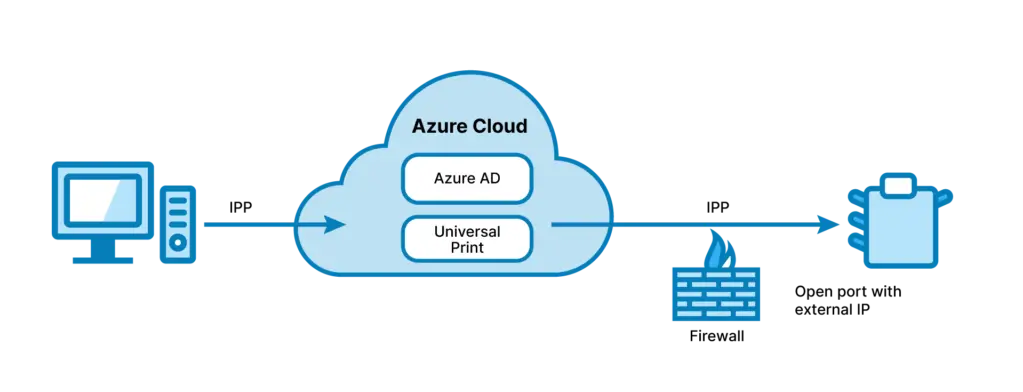
Microsoft Universal Print: Your Cloud Printing Guide
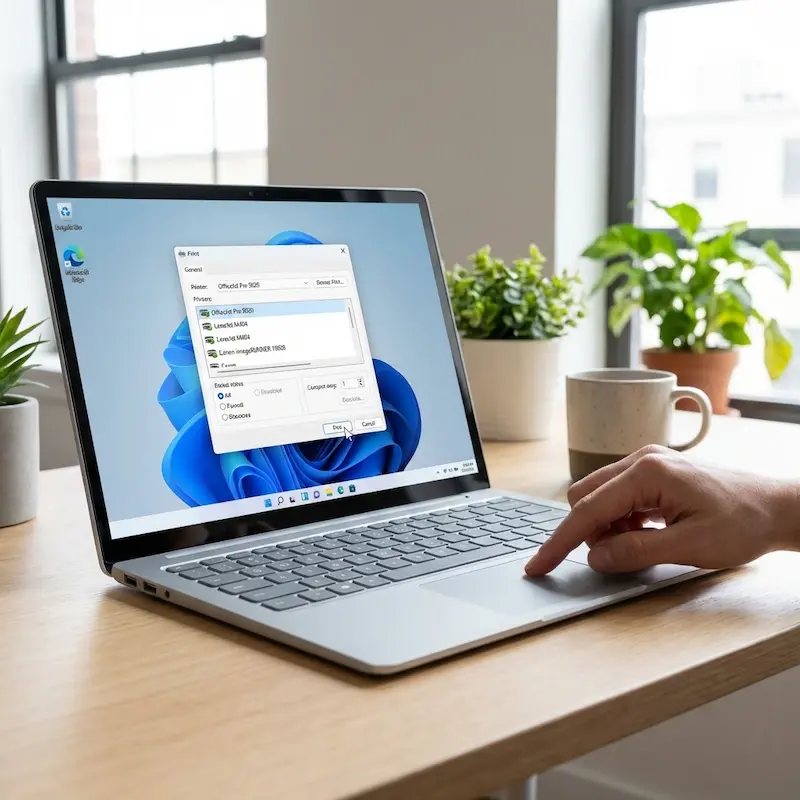
ezeep: Windows Virtual Desktop Printing Solution