By Franck Raison on October 1, 2026
Cloud print management software used to have a one-line definition: move printing away from local servers and manage it from the cloud. In 2026, that line no longer narrows the field. Almost every platform now calls itself cloud, serverless, secure, or centrally managed.
That makes buying harder, not easier. Two products can look identical in a feature grid while putting very different things on your endpoints, at your locations, and inside your network. One may remove the print server and local manufacturer drivers. Another may move the console to the cloud while leaving much of the traditional printing architecture in place.
What Does “Cloud-Based” Mean in Cloud Print Management Software?
Cloud print management software centralizes the administration, routing, security, and monitoring of printing through a cloud service. But the way vendors deliver that varies significantly.
Some platforms are cloud-native: the management and print-processing logic lives in the vendor’s cloud, while local printers connect through a lightweight hub, connector, or native cloud connection. Others provide a cloud management interface but still depend on customer-managed Windows infrastructure for parts of the print path.
That distinction matters if you started evaluating cloud print management in order to eliminate print servers. Moving the interface to a browser is useful, but keeping a Windows print server behind it is a different architectural outcome.
The best way to cut through the terminology is a literal question: what has to remain running at each site for users to print? The answer tells you far more than the word “cloud.”
Serverless vs. Driverless Printing: What’s the Difference?
The same problem appears with the word serverless.
Serverless printing removes the traditional central print server, but it does not necessarily remove manufacturer printer drivers from endpoints. Some platforms still install or manage drivers locally even after the server disappears.
Driverless approaches go a step further. With cloud rendering, the document is processed using centrally managed printer drivers in the cloud, so the user’s device does not need the manufacturer-specific driver installed locally.
That distinction has always affected administration. And in 2026 it matters more, because Microsoft is changing the Windows printing model.
How Does Windows Protected Print Affect Cloud Print Management?
Microsoft is steadily reducing Windows’ dependence on third-party printer drivers.
As of January 15, 2026, no new third-party printer drivers targeting Windows 11 and Windows Server 2025 are published to Windows Update as a normal path. Since July 1, 2026, Windows prefers its built-in IPP class driver when installing a compatible printer. Microsoft’s published roadmap says that, from July 1, 2027, third-party printer-driver updates through Windows Update will be limited to security-related fixes.
Windows Protected Print (WPP) goes further by using the modern IPP print stack and blocking legacy third-party printer drivers when the mode is enabled. That makes WPP readiness a practical buying criterion rather than a future-looking checkbox.
When evaluating cloud print management software, ask: Does the platform work with Windows Protected Print enabled today, and if so, how?
The current ezeep Print App for Windows maps ezeep-managed printers as native IPP queues on WPP-enabled systems running Windows Server 2025 or Windows 11 24H2 and later. Print jobs are rendered in the cloud, so local manufacturer drivers are not required.
The Real Test Is Your Existing Environment
Real printer fleets are rarely as clean as the architecture diagram. They include older printers that still work perfectly well, USB devices in places nobody wants to redesign, Zebra label printers in warehouses, virtual desktop users, Macs, Chromebooks, mobile devices, and branch offices with no local IT team.
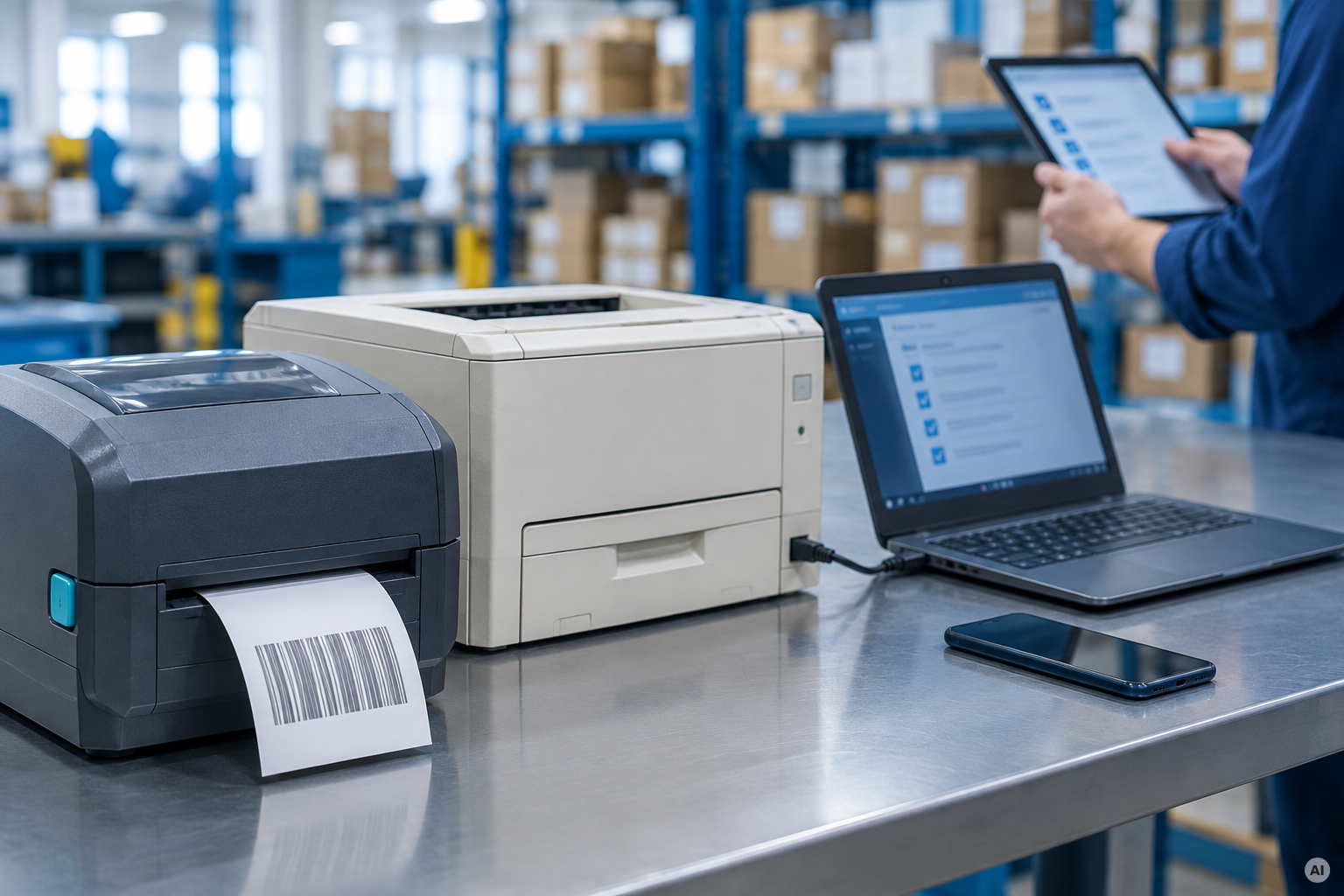
So test the awkward parts of the environment, not the tidy ones. A cloud migration that forces a premature printer refresh has not reduced the work.
What Should a Cloud Print Security Review Cover?
Security pages tend to look reassuringly similar: encryption, identity, audit logs, compliance logos. What matters is how those controls map to the architecture.
A useful review establishes where print data is processed, how it is encrypted, how long it is retained, how users are authenticated, whether jobs can be held for secure release, and whether the platform requires inbound network access.
Secure pull printing is particularly relevant for shared environments, because the document is held until the user authenticates at the printer instead of appearing in an unattended output tray.
Read certification claims precisely. Ask whether the certification belongs to the print-management provider itself, the hosting provider underneath it, or both.
How Does ezeep Handle Cloud Print Management Across Multiple Sites?
ezeep takes a cloud-rendering approach to print management. Manufacturer-specific rendering happens in the cloud, so endpoints stay free of manufacturer printer drivers, and the cloud rendering library covers more than 6,000 printer drivers. Existing network and USB printers connect through the ezeep Hub or software connectors, without a local print server.
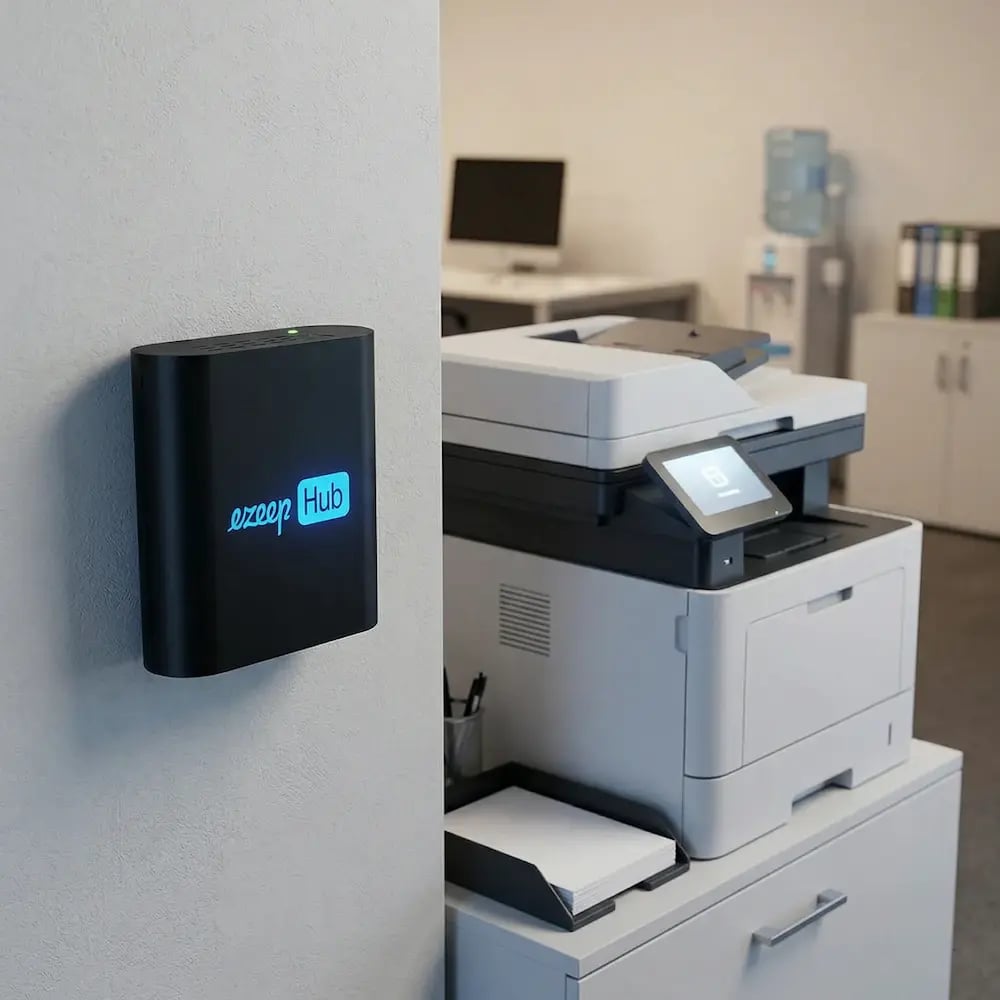
The Hub connects each site to the ezeep cloud using outbound connectivity, while administration stays centralized. In a traditional model, another location can mean another server, another set of queues, another collection of drivers, and another environment someone has to maintain. With ezeep, the question at a new office changes from “What infrastructure do we need to build here?” to “Which printers and users belong here?” For distributed IT teams, that is often the more meaningful definition of serverless printing.
ezeep supports Windows, macOS, ChromeOS, iOS, Android, browsers, and major virtual desktop environments.
Cloud Print Management Checklist: 9 Questions to Ask Every Vendor
When comparing platforms, start with these questions:
- Architecture: Is any on-premises Windows print server or VM still required?
- Drivers: Are manufacturer printer drivers installed on endpoints or session hosts?
- WPP: Does the platform work with Windows Protected Print enabled today?
- Existing printers: Can older, USB, network, and specialty printers remain in service?
- Identity: Can printer access and assignment follow existing users and groups?
- Distributed sites: What has to be installed and maintained at each location?
- Security: Where are jobs processed, encrypted, retained, and released?
- VDI: What has to be installed on Azure Virtual Desktop, Windows 365, Citrix, Omnissa Horizon, or other session hosts?
- TCO: Which servers, licenses, patching tasks, and support work actually disappear?
The Decision Is Really About What Disappears
Most cloud print management demos show a user clicking Print. The more useful evaluation asks what happens after the demo is over.
The architecture should be visible before the contract is signed. A cloud print management platform is likely to remain in the environment for years, so the dependencies you will still own after the migration matter more than the features every vendor can place in a comparison table.
If you are evaluating cloud print management for your own environment, test it against the printers, endpoints, and awkward workflows you already have, not just the cleanest use case in the demo.


Windows Protected Print: What AVD, Citrix & RDS Admins Need to Know
Windows Protected Print vs. Windows Ready Print: What Changed